

Overview
This guide walks you through signing up for Safi Data and getting your account ready to use. The whole process takes less than five minutes.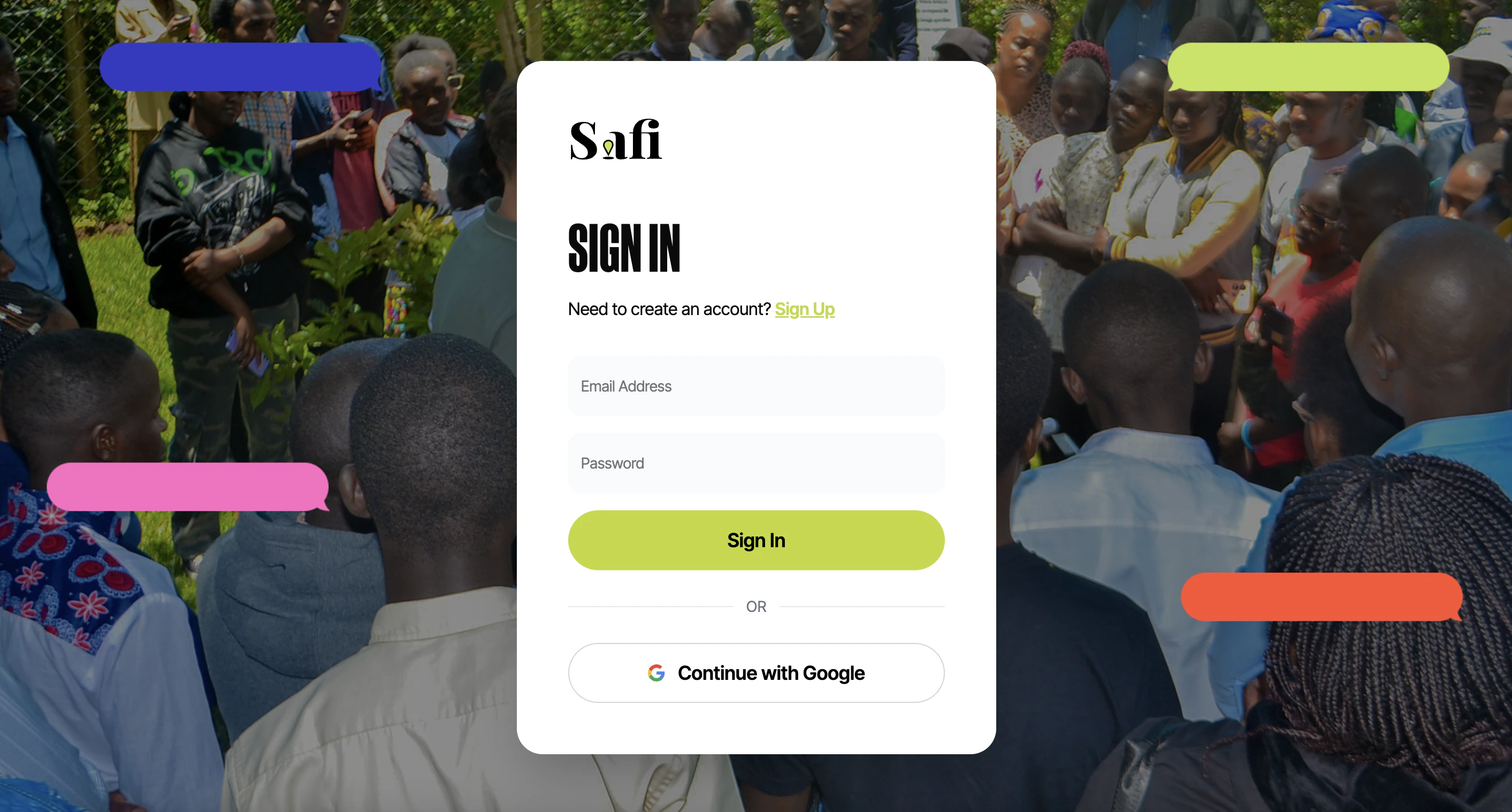
Step 1 — Create Your Account
Sign Up with Google
The fastest way to get started is with your Google account.- Go to safidata.com
- Click Sign up with Google
- Select the Google account you want to use
- You will be redirected to your Safi Data dashboard
Signing up with Google means you never need to create or remember a separate password. Your Google account handles authentication securely.
Sign Up with Email
If you prefer not to use Google:- Go to safidata.com
- Click Sign up with email
- Enter your email address, and a password
- Check your inbox for a verification email and click the confirmation link
- You will be redirected to your dashboard
Step 2 — Log In
If you already have an account:- Go to safidata.com
- Click Log in
- Sign in with Google, or enter your email and password
Forgot Your Password
If you signed up with email and have forgotten your password:- On the login screen, click Forgot password?
- Enter the email address associated with your account
- Check your inbox for a password reset email
- Click the link in the email and enter a new password
- Log in with your new password
If you signed up with Google, you cannot reset a password — your access is managed through your Google account. Visit myaccount.google.com to manage your Google security settings.
What’s Next
Once you’re logged in, you’re ready to create your first survey.Create a Survey
Set up your survey name, objectives, and category.
Set Up Questions
Add smart and multiple choice questions with AI features.